Facilities
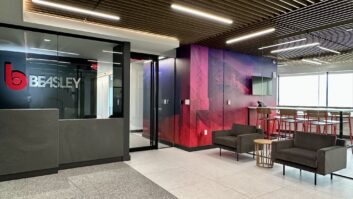
Beasley Gets a New Hub of Its Own in Boston
An 18-studio project supports six stations in this top-10 market
Update your browser to view this website correctly. Update my browser now
An 18-studio project supports six stations in this top-10 market

You know the answer. But have you taken these steps yourself?
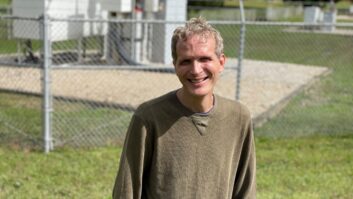
We visit with Dave Kolesar, recipient of the NAB Engineering Achievement Award
Women and younger listeners feel especially connected to radio
Incoming directors begin their two-year terms in June
Do your EAS devices include the latest verification certificate?
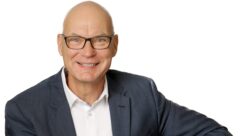
A conversation with Hartmut Foerster of WorldCast Systems


Its license is renewed for two years; all Pacifica stations are subject to compliance plan
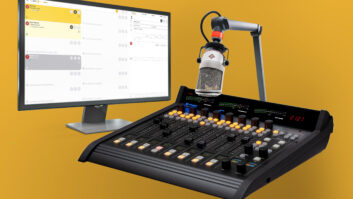

More and more of the deployment process can be done on a computer
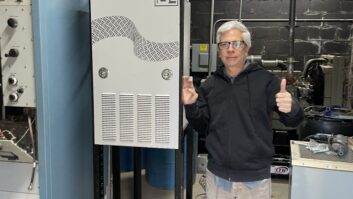
Mexican border station serves the Imperial Valley area
It helps manufacturers produce artifact-free virtual surround mixes from stereo sources
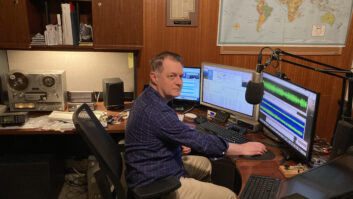
Old-Time Radio Antioch is an online network celebrating radio’s Golden Age
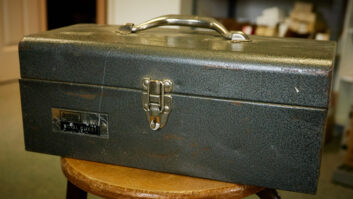
Doug and his toolbox save a session despite a little adversity
NATE details the latest safety standards affecting broadcast and wireless telecommunications industries
Also, give your studio countertop a lift — hydraulically
Learn how the 100 top-selling cars in the U.S. display your radio metadata —...

Project will ensure drivers can be reached with emergency alerts

An efficient solution to send full composite to sites without excessive bandwidth consumption

Station was chosen as the fifth annual recipient
NHK World brings NPR’s performance concept to Japan

The high-density multi-channel codec will be exhibited in Las Vegas
Its powerful new capabilities remain largely unexplored

Artificial intelligence tools are hosting air shifts, reporting the weather, creating outlines for sales...
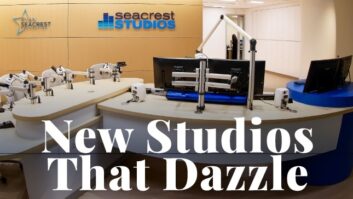
Sixty-one pages of fabulous new rooms and facilities

Ebook explores the most important trends in broadcast codec technology
The design and feature trends dominating the manufacturing landscape