Broadcast engineer Scott Todd recently found that a 40-year-old Broadcast Electronics FX-30 FM exciter needed recapping badly.
Replacing all the dried-out electrolytic capacitors can be daunting. Scott found the oscillator module challenging because he had to remove all the silicon to get access to the board.
He kindly shares his experiences.
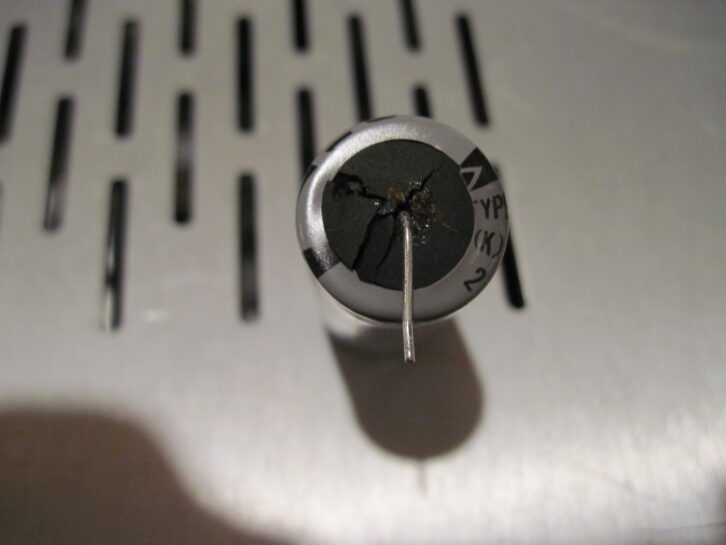
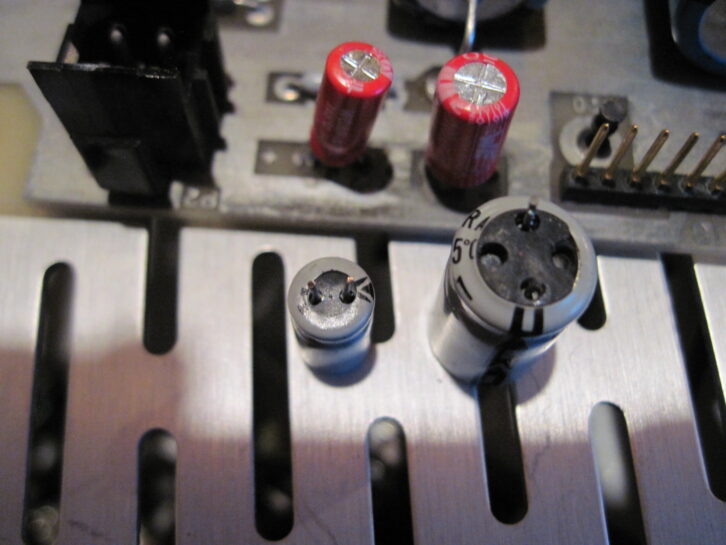
Fig. 1 shows a blown seal on one of the electrolytic capacitors. Bulging or blown (cracked) end seals are a giveaway that electrolytics have failed.
Scott recommends that you first take stock of all the electrolytics to be replaced, order them, and then replace the capacitors one at a time.
Scott obtained his replacements from Digikey and Mouser. Fig. 2 shows the old and new capacitors. It’s interesting that the replacements are physically smaller — efficiency in manufacturing!
Having completed the other boards with no issues, Scott began the process of recapping the oscillator board.
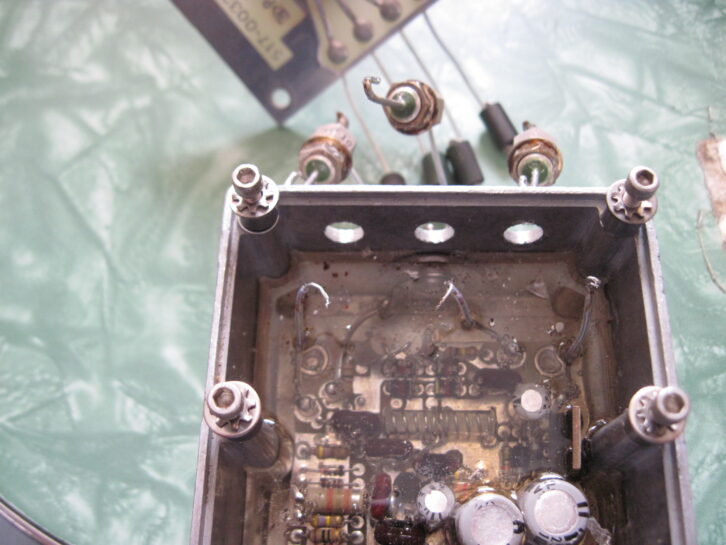
It begins with unsoldering the wires going to the three feedthrough capacitors on the module, then removing the nut to separate the feedthrough capacitors from the module; see Fig. 3.
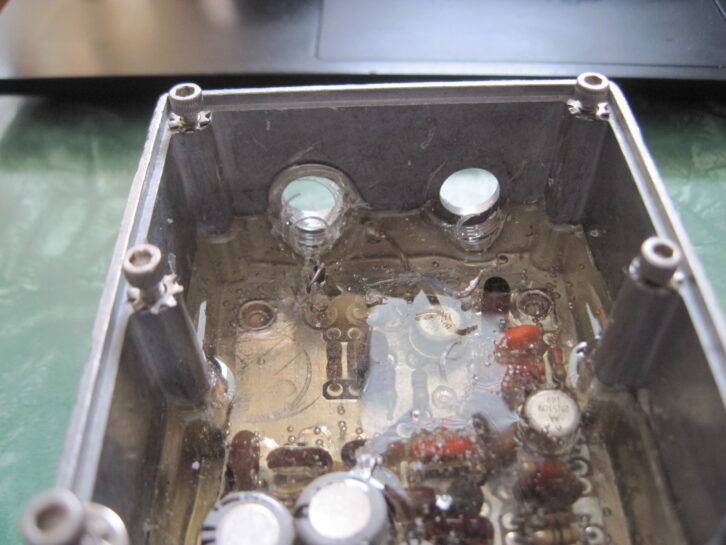
Cut away a bit of the silicon from the wires going to the two BNC jacks, then unsolder those. Cut away a bit more around the nuts of the jacks in order to remove the BNC nuts and jacks. This will give you room to access the oscillator board. Fig. 4 shows the residual silicon that held the BNC jacks in place.
Using a small paring knife, cut away the silicon from the sides of the case. Scott attempted to use the tip of a vegetable peeler to cut around the screw posts, but it was too blunt to do a good job, hence the paring knife.
Run the knife around the edge of the circuit board and remove as much of the silicon between it and the case; a small flat-blade screwdriver and a long, thin pair of needle-nose pliers work best.
Unsolder the wire going to the feedthrough near the bottom of the case, then back out the screws most of the way, from the bottom of the case. Now press the module with the extended bolts on a hard surface to push the board up. This is a simple way to separate the board from the silicon.
At this point, the silicon should separate from the bottom of the case as you do this. Finish removing the screws and pull the board free. Now, peel the silicon off the bottom of the board.
Here’s where the fun comes in.
Carve the silicon away from the components to be replaced. Scott suggests cutting away the compound from around the TO-220 regulator first, and bending it backward a bit, to give you more room to work. At this point, carve around the capacitors, being careful not to nick the components around them on the board or the board itself.
Take your time and cut most of the way down around the parts, then make a series of shallower cuts from further away towards the cuts you just made. This lets you remove the silicon in chunks. Scott was able to remove the 100 uF capacitor first, then the 10 uF on the other side of the regulator.
Scott replaced the latter but kept the other spot open to work on the remaining two electrolytics, marking the board for polarity. You can now solder the other 10 uF capacitor, along with the two 100 uF capacitors.
Once finished, reinstall the board and re-solder the wire to the lower feedthrough. Now you can reinstall the BNC jacks and the upper feedthroughs, and resolder their respective wires.
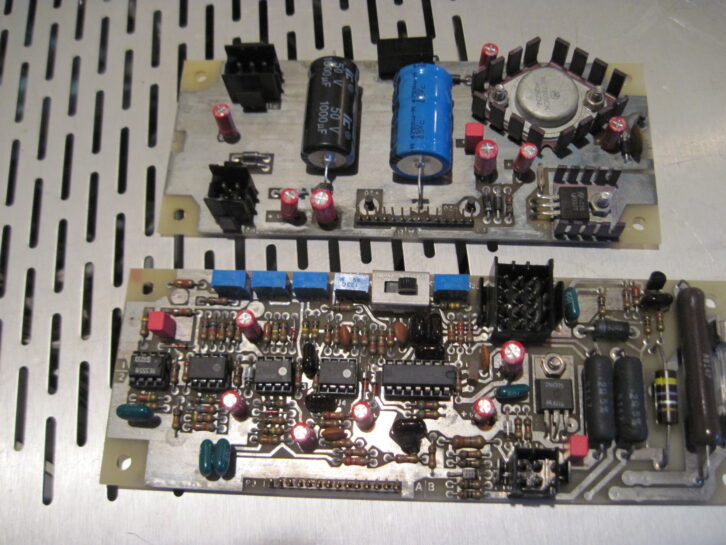
The process isn’t necessarily difficult but time consuming, and you should not rush.
Although a small paring knife works well in freeing the components, I’ve found an X-Acto brand or other quality knife with new blade to be effective. Harbor Freight has a Gordon 13-piece precision knife set, consisting of handles and assorted blades, for under 5 bucks!
As Scott secured the replacement parts, he decided to upgrade the operating specs of the capacitors rated at 105 degrees at 5,000 hours. Scott used a desoldering tool, a necessary tool for removing parts from the double-sided PC boards.
Workbench submissions are encouraged and qualify for SBE recertification credit. Email [email protected].