Contract engineer Stephanie Donnell has dealt with more than her fair share of power supply problems.
One common issue is dirt.
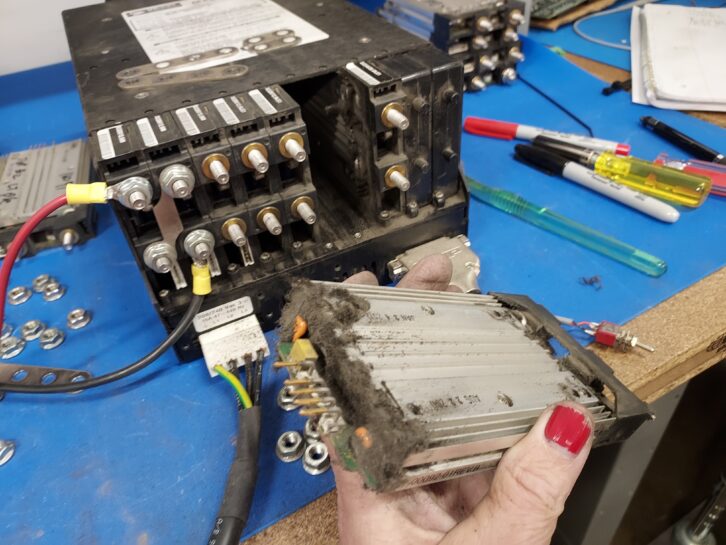
In one former job, she worked as a sustaining engineer for a company that produced huge color inkjet printers. One of her tasks was to extend the lives of the main power supplies used in these minibus-size systems.
The supplies were rated at 4 kW and operated on three-phase, 208 VAC. Seasoned engineers will know that supplies at this power level turn into “dust magnets,” as do the supplies in high-power transmitters.
The “mainframe” of each supply was about the size of a shoe box. A mainframe would be loaded with various modules set for various DC output voltages, depending on the model of printer.
The modules could be removed easily from the mainframes, which allowed her to configure the power supplies. It didn’t take her long to realize that a big reason many of the power supply modules were failing was a heavy buildup of dust and “fuzz.” This led to the modules overheating, accelerating their failure rate greatly. Unfortunately, this had not been addressed as part of routine maintenance.
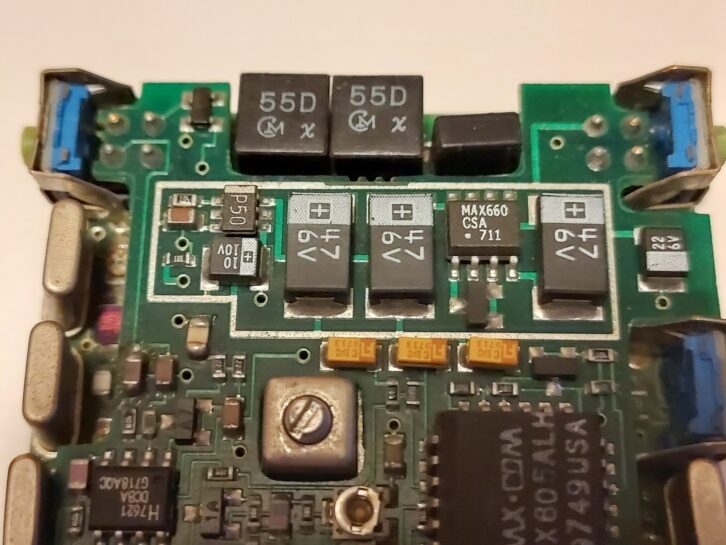
Dust-choked vent intakes also can result in equipment faults. But the vents might not be where you expect them to be.
Early in her career, Stephanie was alerted to a silence condition at one of the transmitter sites she maintained. The equipment was in an older wood-frame building with no air conditioning. Cooling was by way of drawing in the outside air and venting the hot air back out with a fan. When she arrived at the site, the fan was operating, as was the transmitter, but there was no program audio being fed into it.
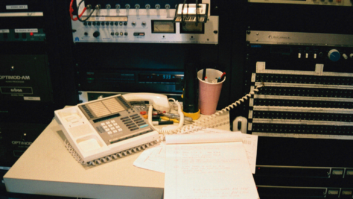
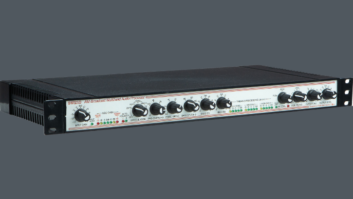
She traced the “failure” to the Aphex processor. She touched its case and felt blazing heat. Had its power supply failed? Or perhaps its cooling fan? At this point, she wasn’t sure that the processor even had a fan because there wasn’t a vent on the rear of the case.
Then she found it, along the SIDE of the case. The intake was completely covered with fuzz. She cleared the opening and allowed the fan to cool the inside of the processor. It returned to life, and program audio reappeared on the transmitter.
When installing equipment with cooling ports, consider how you will access the intake routinely.
For instance, some Crown FM transmitters had intakes for cooling fans on the bottom of their cases, not where you’d expect to find them.
The Nautel VS300 transmitter has fan intakes on each side of its case. This can be difficult to access when the transmitter is fix-mounted in a rack. In this case, you could install the transmitter in such a way that it can slide out slightly — just three to four inches, enough so you can access the intake filters to keep them clear of debris. Same for the Nautel HD Exciter for the larger VS series transmitters.
Or instead of fix-mounting it or using a slide-out tray, you could rest the transmitter on heavy “L” metal stock that can slide out a few inches so you can clean the intake filters. (Remember to provide adequate slack in any cabling.)
The same goes for models with the intake on the bottom. Leave free space so that a hand can reach in from the front or rear to get at the intake filter.
On certain Moseley STLs, the power supply section has a tiny cooling fan and it’s not always easy to see whether debris has built up or to verify that the blades are turning. Stephanie would shine a light to check the intake vent.
UPS batteries
Credit: Amazon
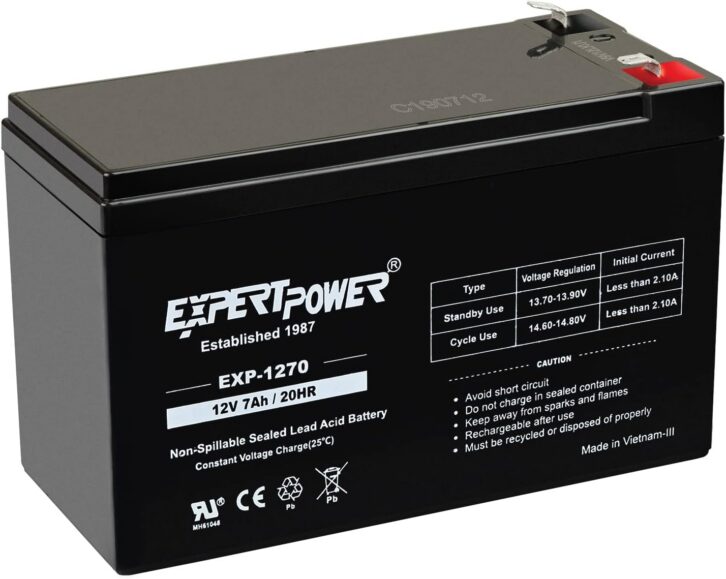
If you buy and install several uninterruptible power supplies at the same time, you run a risk that all of their batteries will need to be replaced later at the same time too.
Mike Kernen, CSRE, engineering manager in Detroit for Crawford Broadcasting, shared a tip in the company’s Local Oscillator newsletter: Check with Home Depot or Lowes for replacement sealed lead-acid batteries. They’ll cost less than they would from your IT provider, and the box retailers will deliver.
Don’t forget to add a label with the date that you installed the new battery, along with the battery model number and where it was purchased, to save time later.
Power us up! Workbench tips qualify for SBE recertification credit. Email your ideas to [email protected].