With the deadline approaching for ETRS Form One, which is required for virtually all radio and TV stations in the U.S., I decided to chronicle the step-by-step submission process.
I have mentioned it a handful of times, but I would not be working in radio today if not for my college radio experience at 89.1 WXVU(FM) at Villanova University, which reawakened my passion for broadcasting.
These days, I help out whenever I can as a technical advisor for the station, and I’m designated as the chief operator.
It has been a busy week on campus. On Tuesday, our signal returned to the airwaves after the station’s longtime transmitter failed. Luckily, we’ve had the help of one of the best in the business, Mark Humphrey.
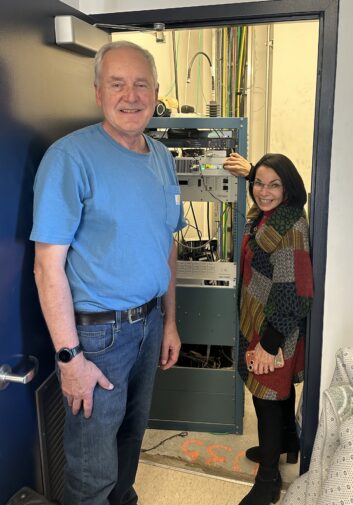
Wednesday we filed for a resumption of operations with the FCC. Right on its heels came the Oct. 30 deadline for Form One in the FCC EAS Test Reporting System (ETRS).
All EAS participants in the U.S. must file this form.
Step 1: Logging In
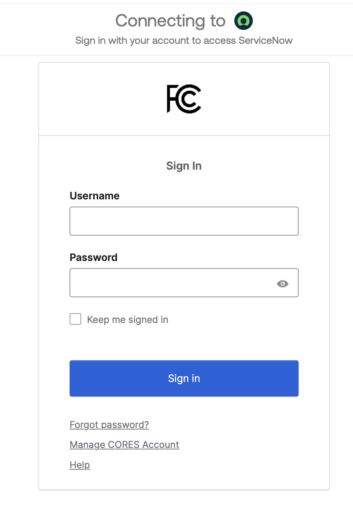
Submitting Form One requires an updated FCC username registered in the Commission Registration System (CORES). Note that the legacy ETRS-specific accounts created back in 2016 are no longer valid.
Step 2: The ETRS dashboard
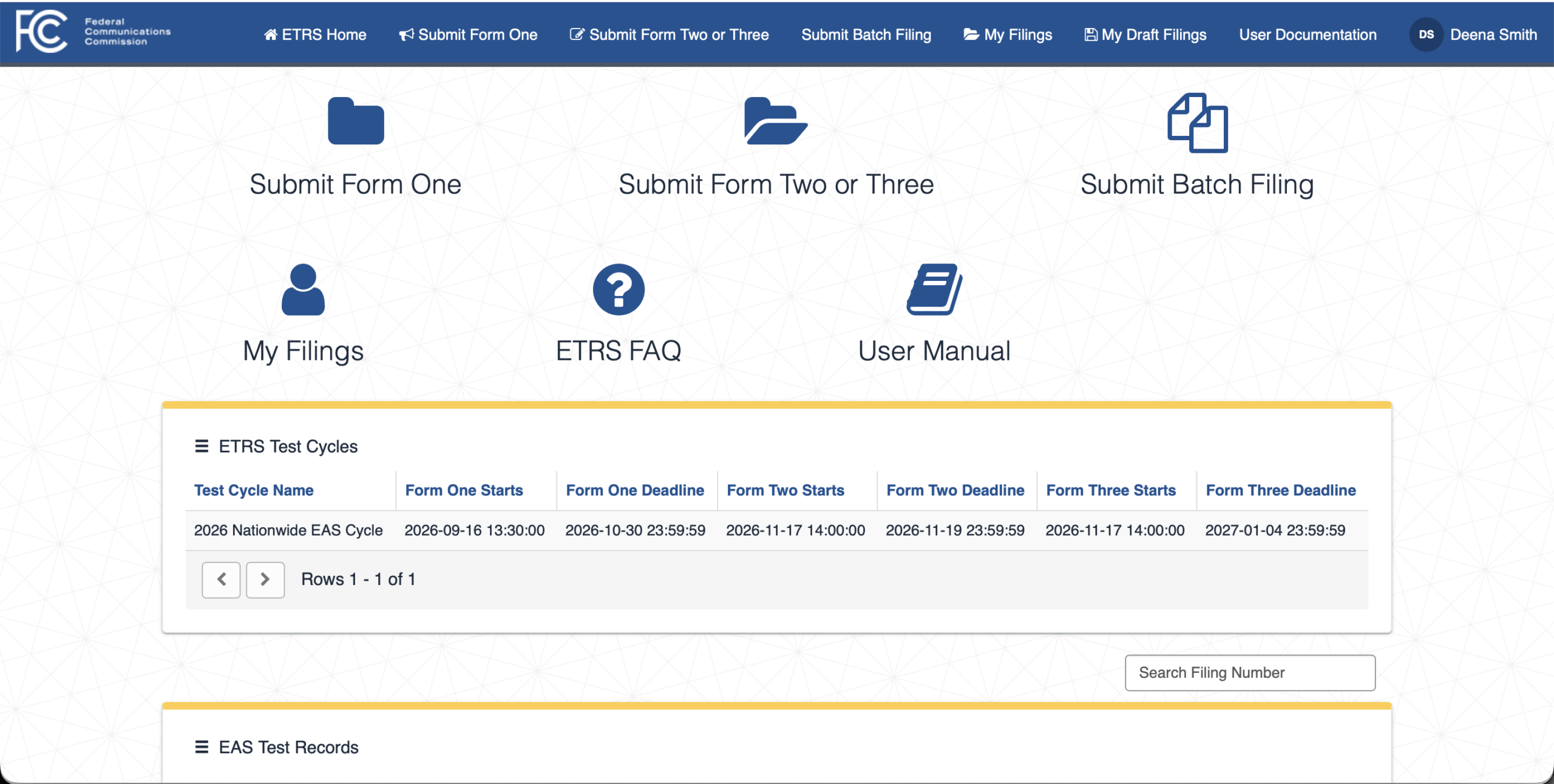
Once logged in, you arrive at the main ETRS portal. The dashboard displays active filing cycles, including the start date and deadline for the current nationwide cycle. From here, select “Submit Form One” to initiate the process.
Step 3: Entering Facility Data
Before starting, gather your station’s facility ID, city, county and state of license, along with your legal licensee name. For WXVU, our facility ID is 70229 in Delaware County, Pa.
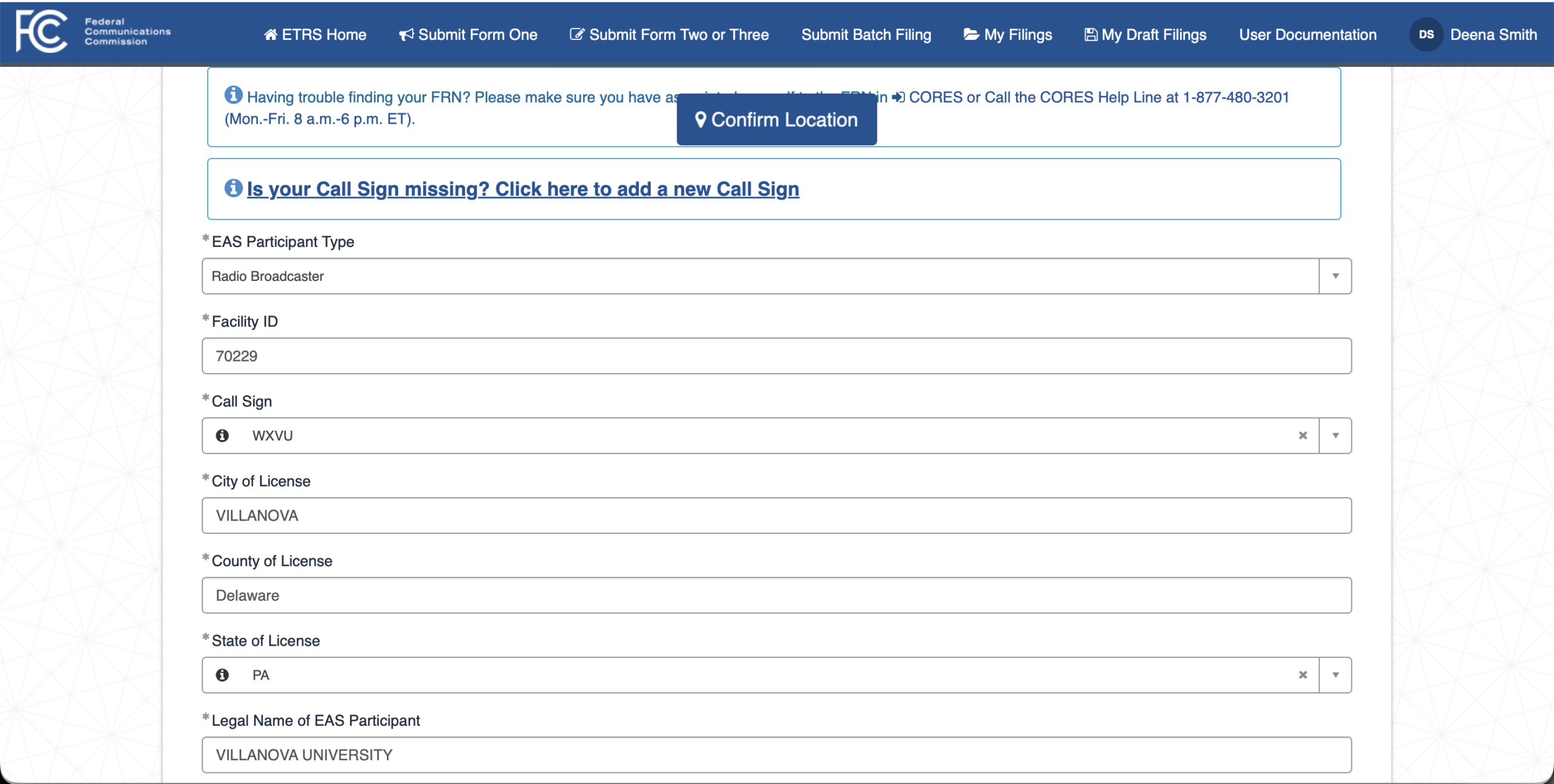
You will also need detailed EAS equipment information on hand, including the make, model and current software version of your encoder-decoder, as well as your two assigned monitoring stations as dictated by your state EAS plan.
Step 4: Confirming Transmitter Coordinates
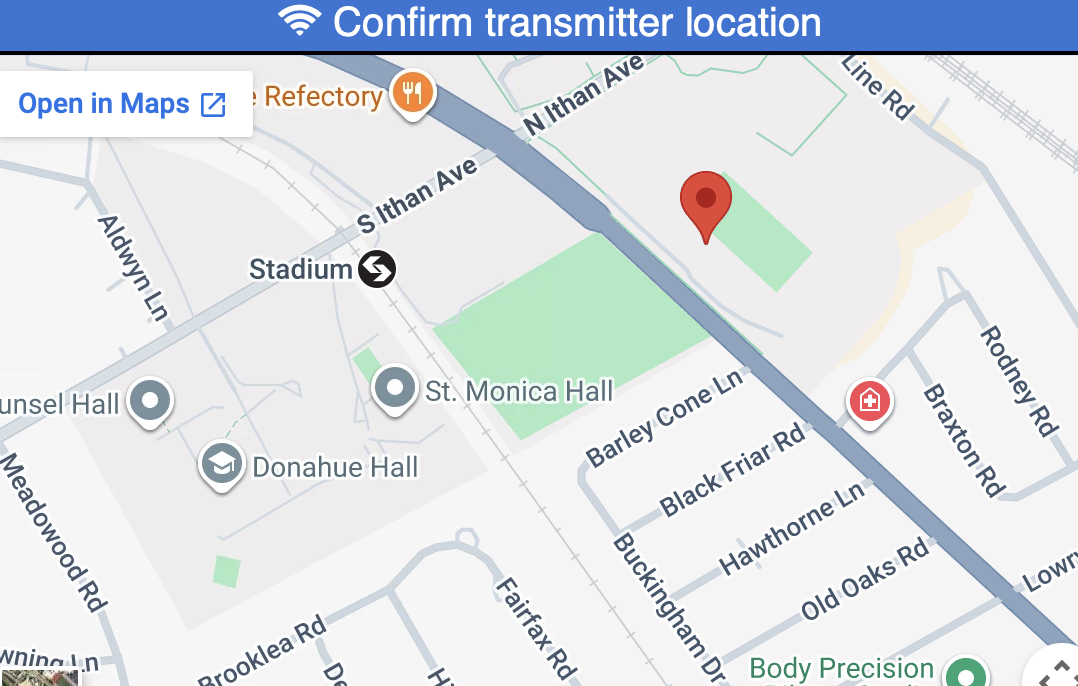
The system will ask you to verify your physical transmitter location using an integrated map interface. Double-check that the pin aligns accurately with your physical site on campus or at your tower site.
Step 5: Submission and Record Keeping
After reviewing the populated data for accuracy, save a PDF copy for your station records before submitting.
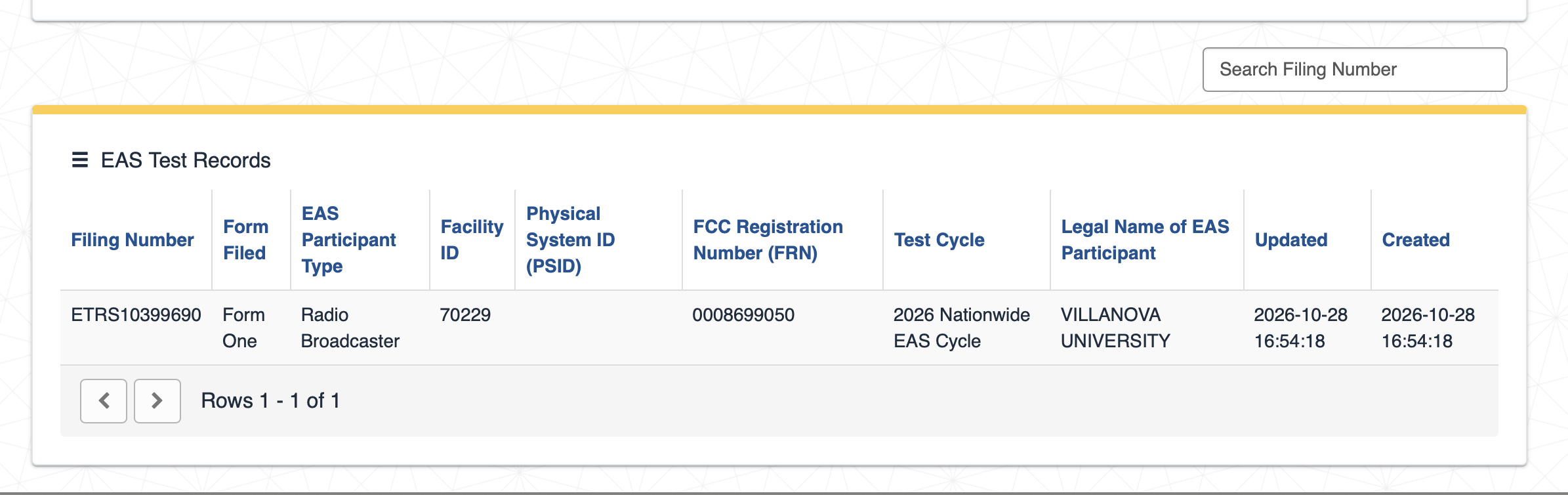
Once submitted, the system generates a record confirmation number. You can verify that your filing appears under “My Filings” or in the EAS Test Records table to confirm your station is fully compliant for the cycle.
Remember, ETRS Form Two Must be filed within 48 hours of the nationwide test, which as scheduled would mean by 2:20 p.m. ET on Nov. 19. Then, ETRS Form Three, detailed post-test data, must be submitted on or before Jan. 4, 2027.