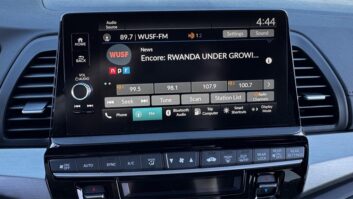
This is one in a series of posts by Radio World contributor Paul “Sarge” Kaminski about how radio shows up on the dashboard of various new car models.
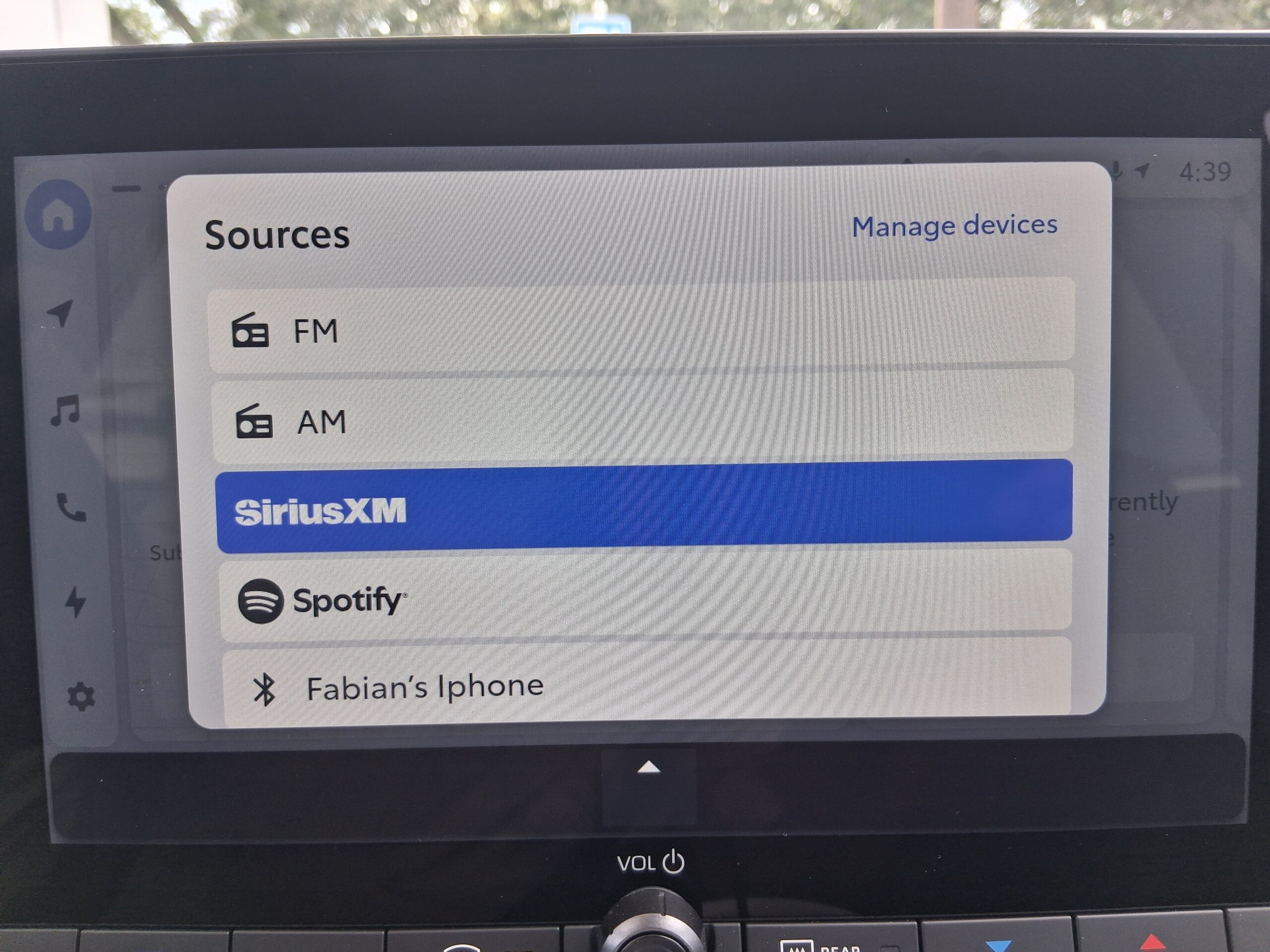
Finding a radio in today’s vehicles, even if it’s equipped with a radio, means a deep menu dive.
Knobs and levers to control vehicle and entertainment functions are morphed into icons on LED screens that grow in size each year. It is, in essence, the 21st century equivalent of the horsepower race of the 1960s.
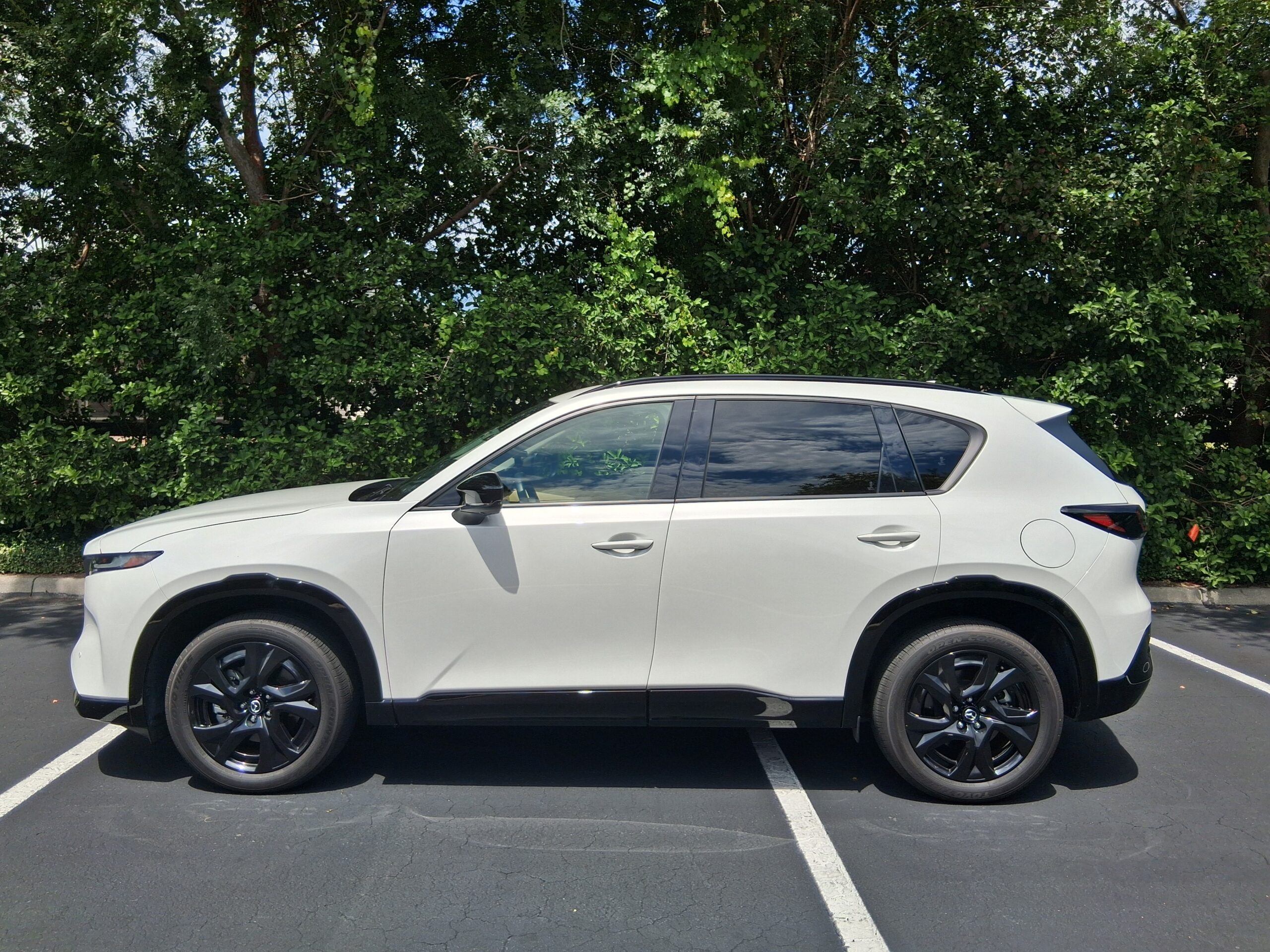
But I recently finished miles in two 2026 models: Toyota’s redesigned sixth generation RAV4 (plug in hybrid model) and Mazda’s fifth generation CX-5 SUV for msrpk.com’s “Radio-Road-Test” program.
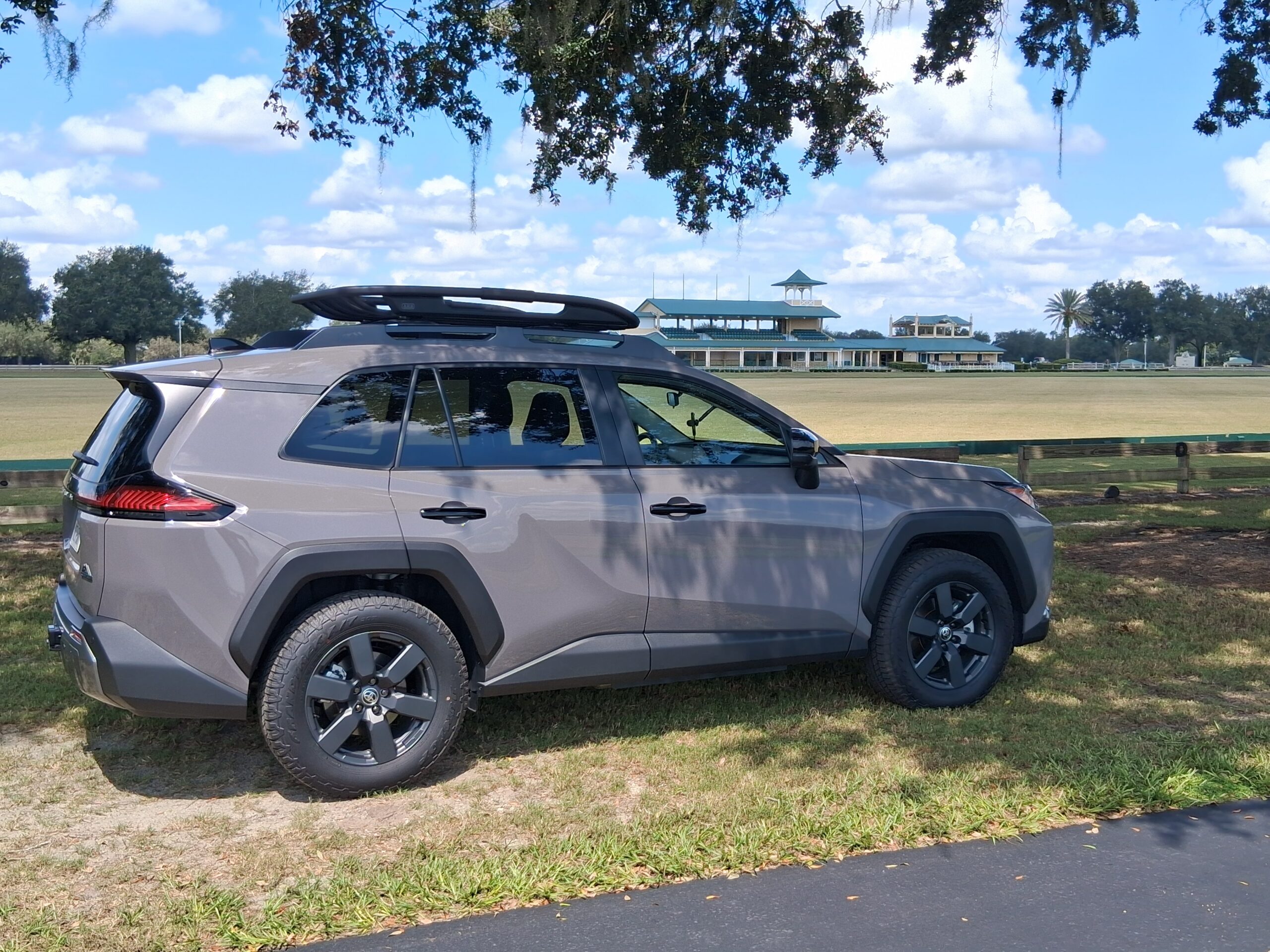
A good portion of my test time was spent fine tuning the infotainment systems, so I could suitably answer: “Where’s My Radio?”
Menus: more of a thing
Home and start screens were the jumping off places in my search.
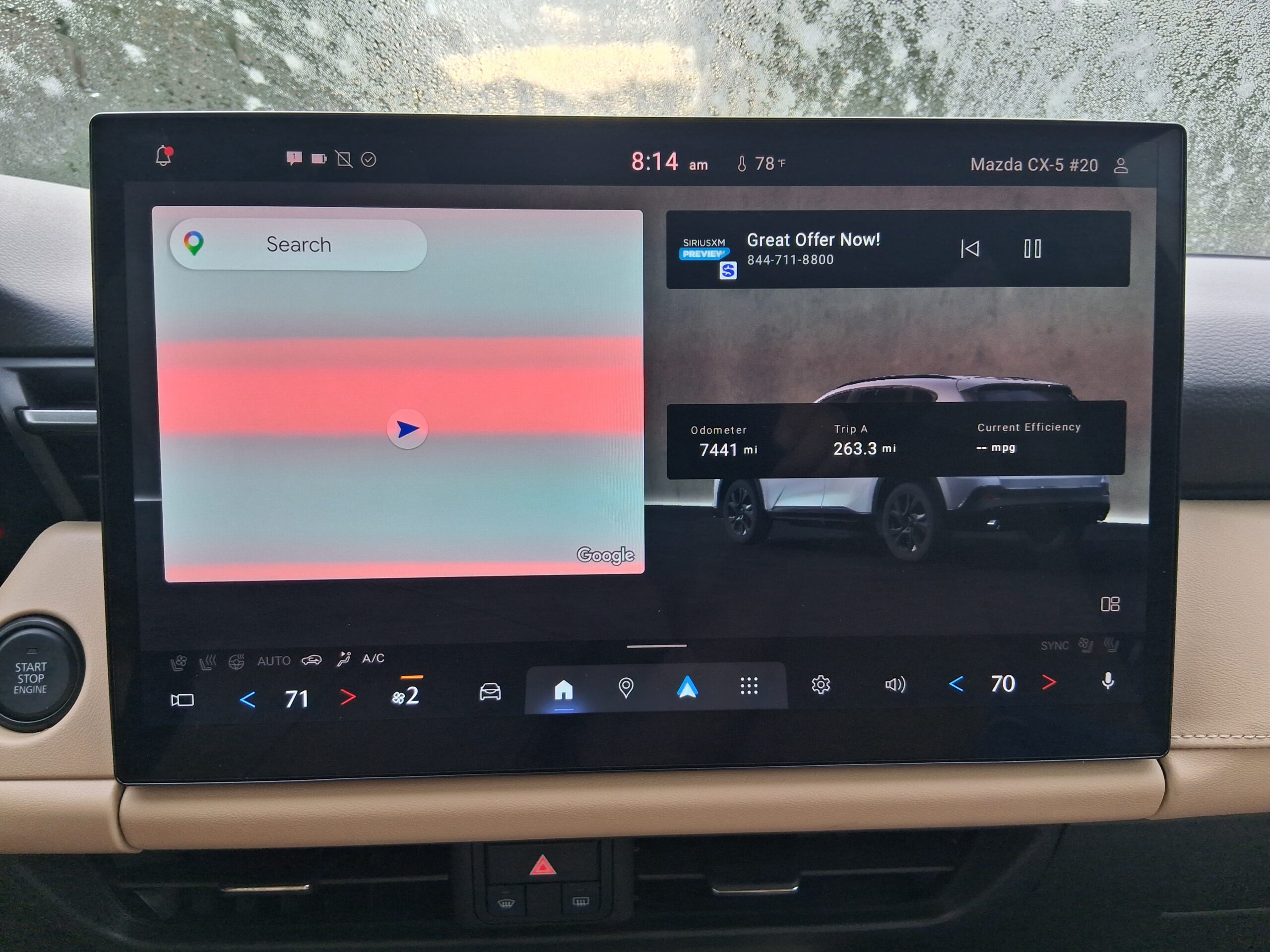
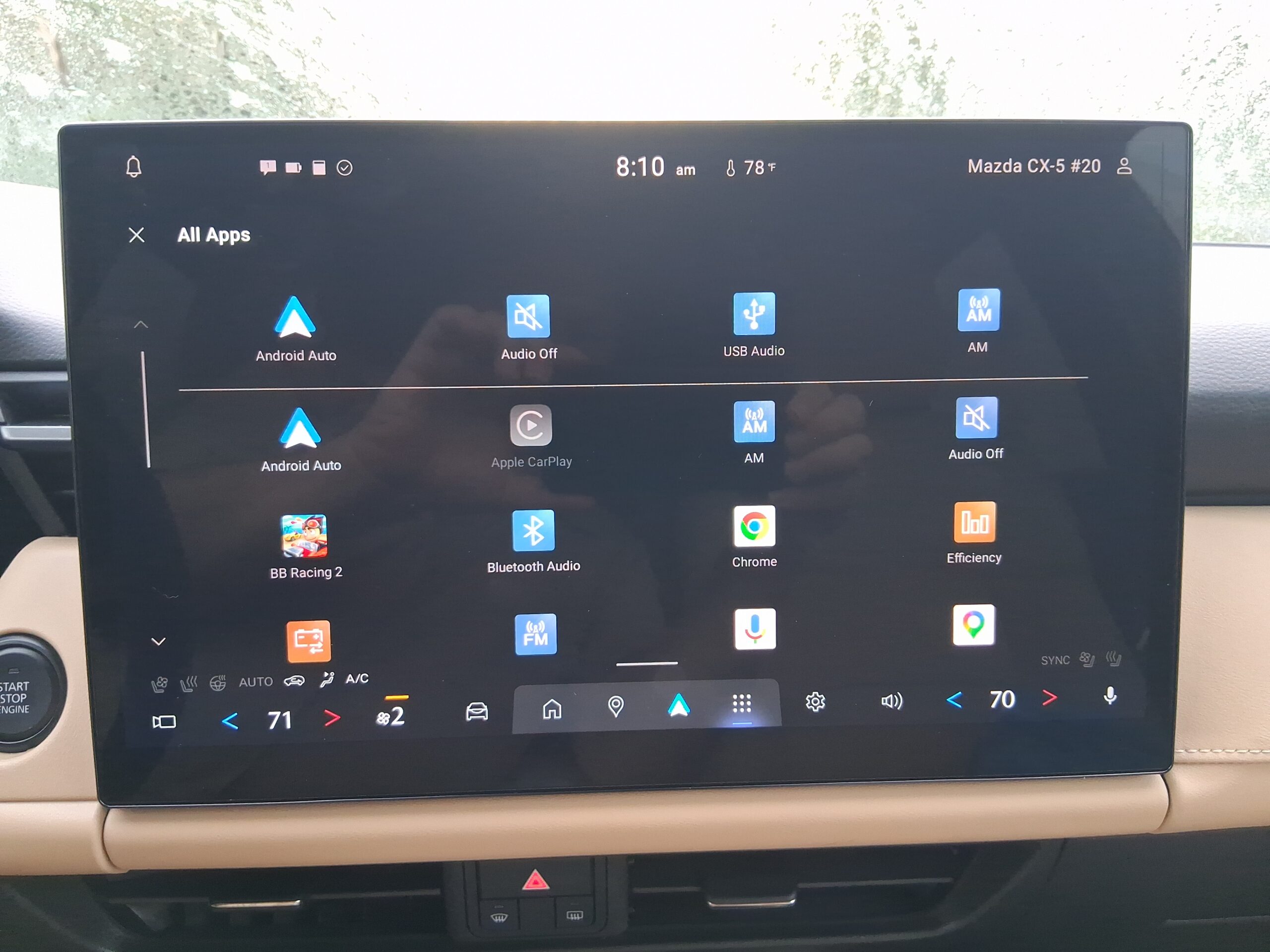
The CX-5 offers choices for AM, FM/HD Radio and SiriusXM satellite radio right up front.
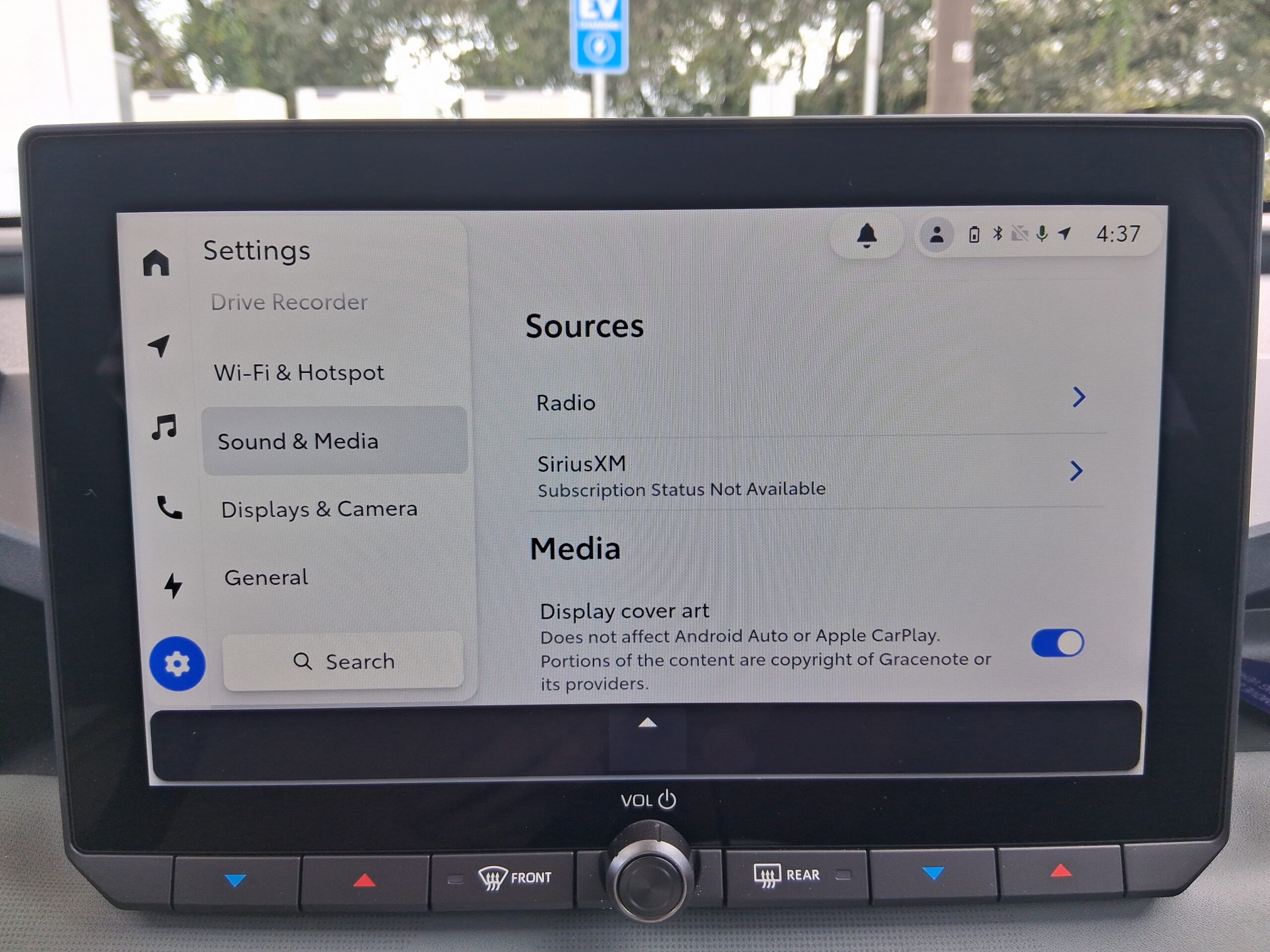
But the RAV4 required searching out a few more screens to find radio inputs.
Using Quu’s checklist
As Radio World has covered, Quu’s “In-Vehicle Visuals Report” evaluates how radio is presented in the top 100 best-selling car models.
Quu follows a checklist that typically includes whether there was a dedicated radio button; whether HD Radio was available in the car and whether it was active by default; how the car’s visual presentation was affected by HD Radio being set as on or off; and whether RDS RadioText was set by default.
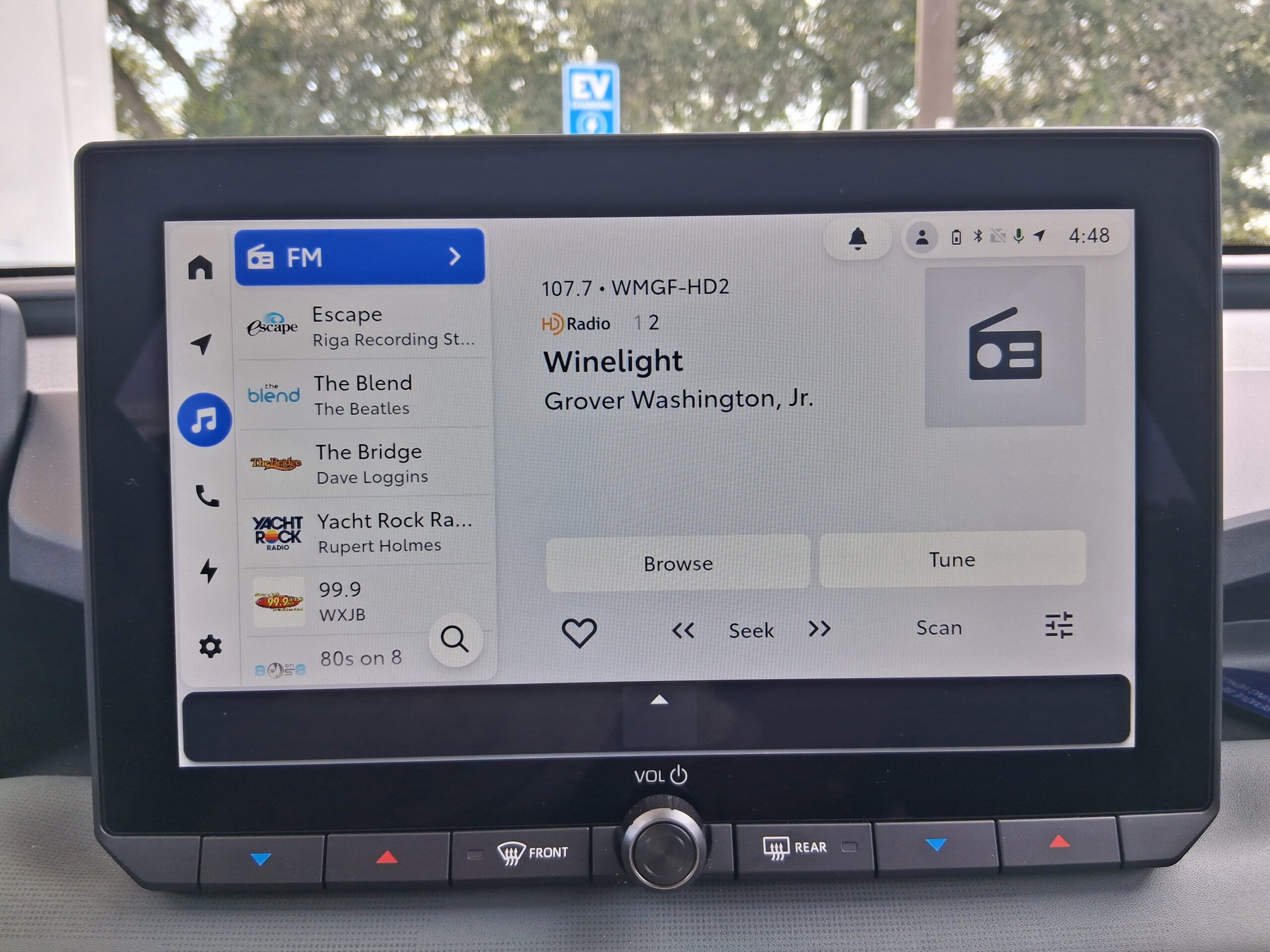
Here’s how the RAV4’s new infotainment system scored against that list: It has AM, FM/HD and SiriusXM radio buttons.
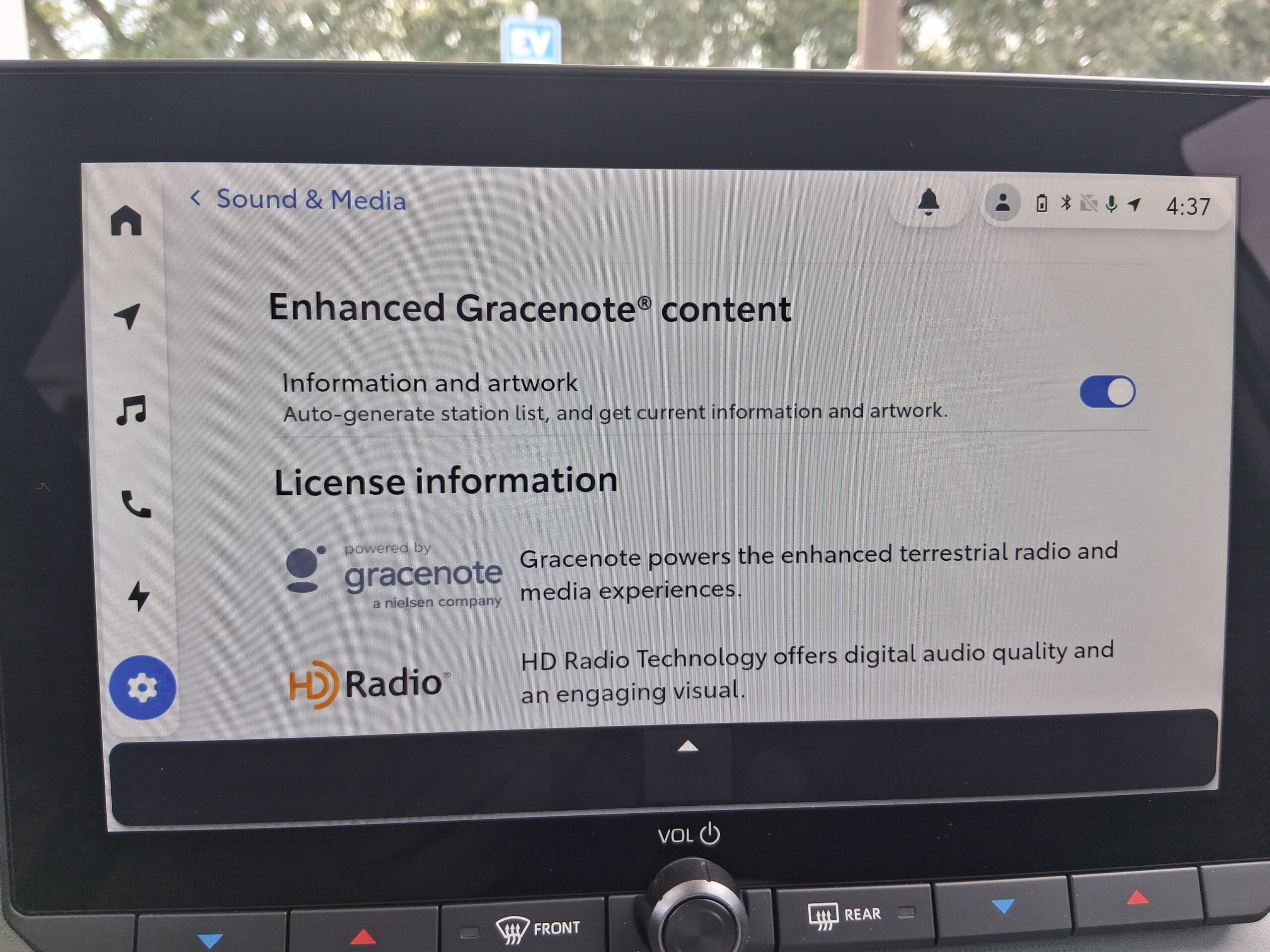
It has wired and wireless connections for Apple CarPlay and Android Auto devices. Spotify is the built-in streaming app. The Gracenote platform displays album art and related images. The Toyota Audio Multimedia system does not have an apparent radio button but offers radio in the audio source screen.
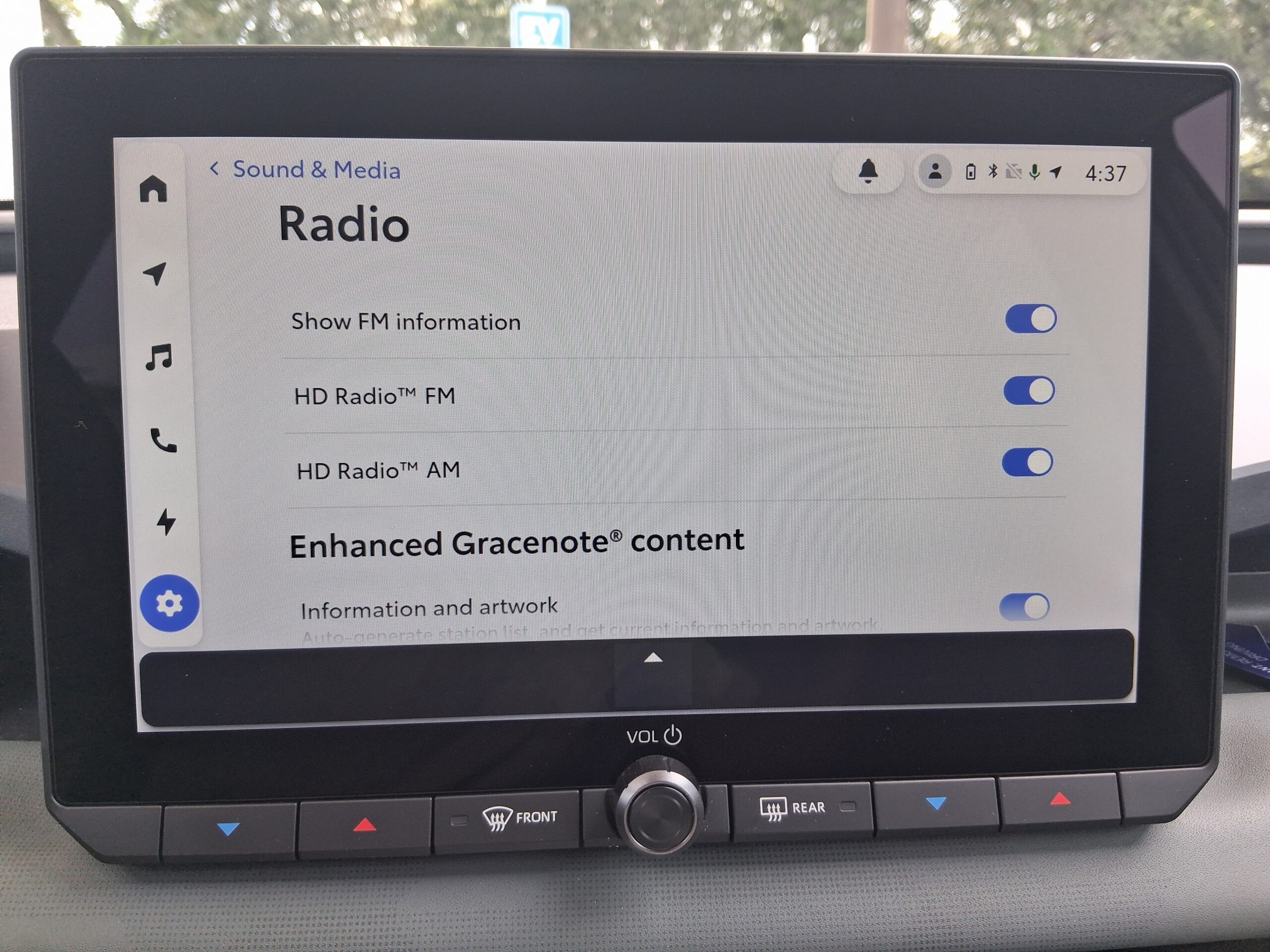
The standard center dash touchscreen is 10.5 inches, with an available upgrade to 12.9 inches (diagonal). It’ll take you some time to find the choice you wish to make. Once you’ve selected a source, you can configure the home screen with those choices, which will save time for future uses.
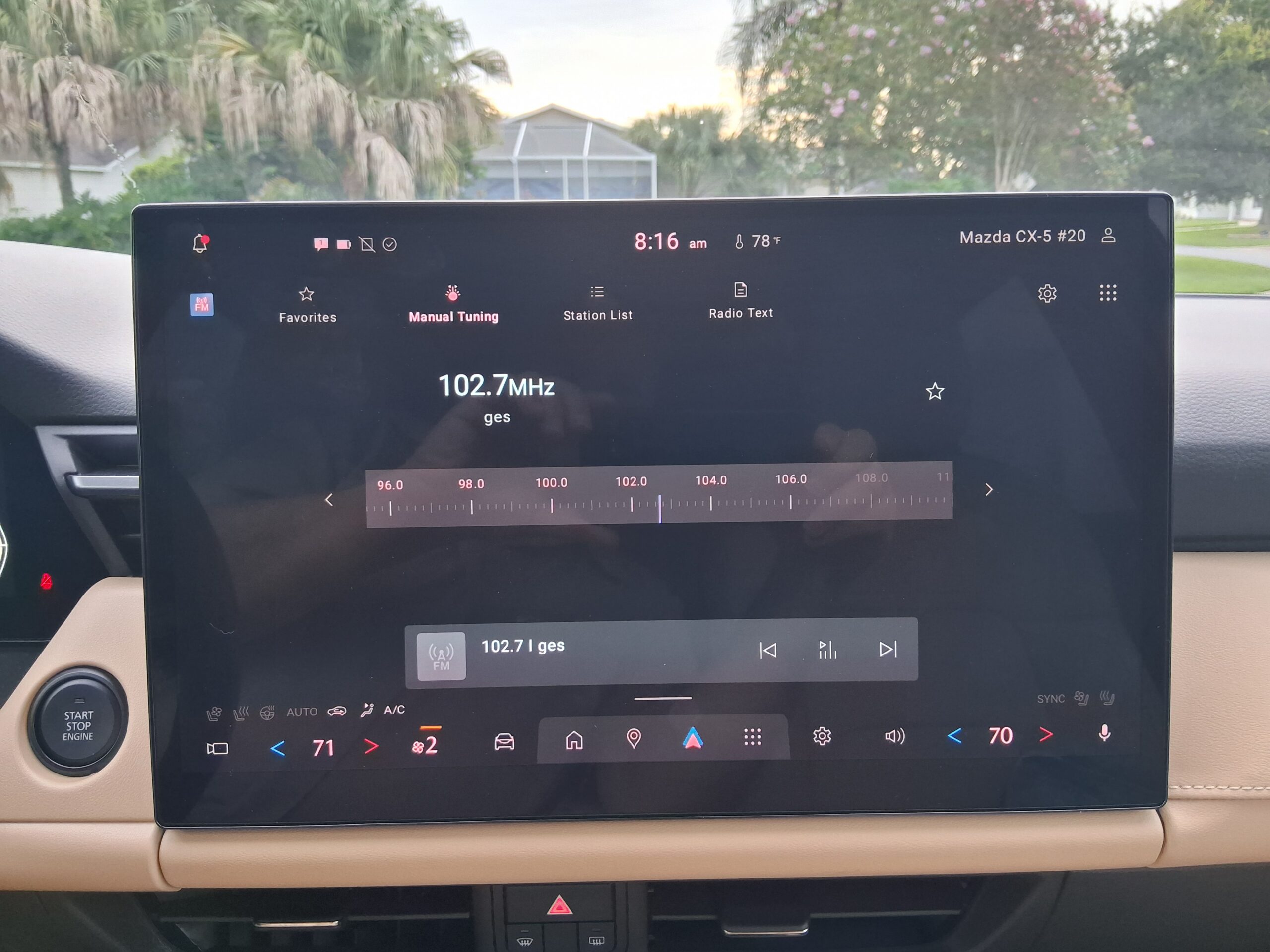
Mazda’s CX-5 in Premium Plus trim, like the one I tested, has a 15.6-inch touchscreen to take care of infotainment duties. The standard Mazda connect infotainment screen is 12.9 inches in the center dash. When the home screen came up, there were radio buttons, but not like you’d expect.
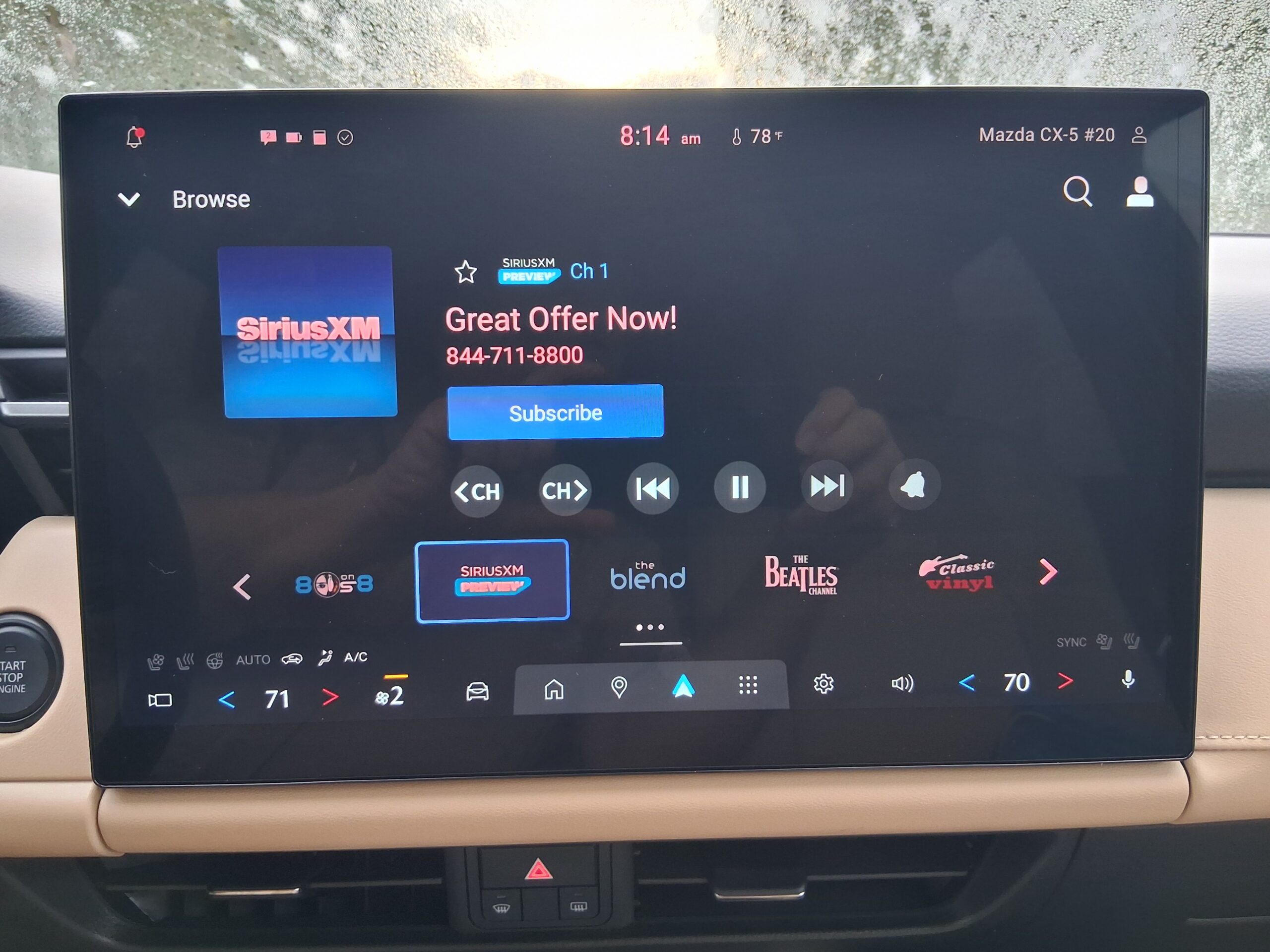
There were separate buttons on the home touchscreen for AM, FM/HD and satellite radio. Touch them, and you come to the tuning screen. Sound comes via a Bose audio system.
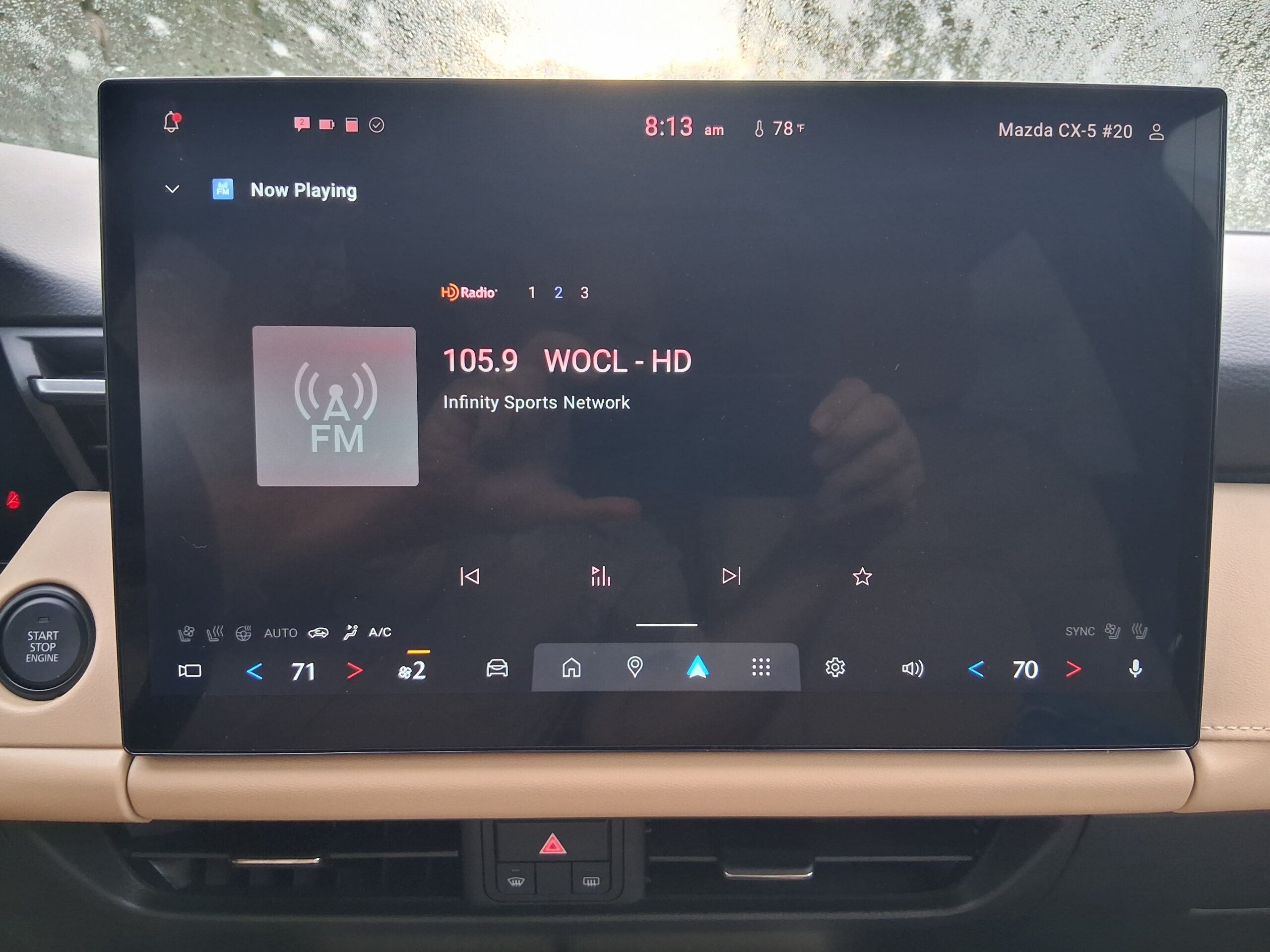
The CX-5 has Google Assistant built in; Spotify is its native streaming app. Apple or Android devices can connect by Bluetooth or USB cable.
Cutting through the forest
How does the driver or passenger get to their desired audio choice?
Both Toyota and Mazda use voice activation, larger touchscreens and steering wheel controls to make those selections. The impetus is to keep the eyes of the driver pointed toward the road ahead, rather than fumbling around the dashboard for a volume or tuning knob.
On both the Mazda and Toyota, the last audio source played when the system and vehicle restarted.
That feature is all the more reason to produce compelling content that will cut through the forest of choices to grab the ear and some of the eye of the listener, and inspire the listener to customize the start screen with that radio button — or buttons.
[Do you receive the Radio World SmartBrief newsletter each weekday morning? We invite you to sign up here.]