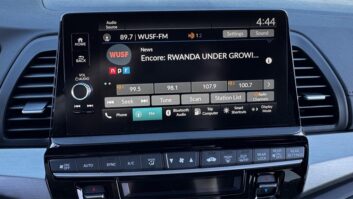
HotQuus is an upcoming feature on the Quu platform. It makes it easy for air staff to make real-time updates to broadcast visuals from the studio or a mobile device.
“Think of the immediacy and simplicity hot keys bring to playing audio from automation systems,” the company states. “HotQuus bring that same ease and convenience to your station’s visual display.”
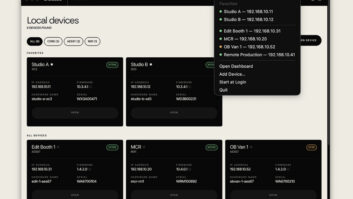
In the dashboard, the user can choose from existing messages or create one and quickly get it on the air. Stations can set up these messages in categories, ready to be broadcast at the touch of a button.
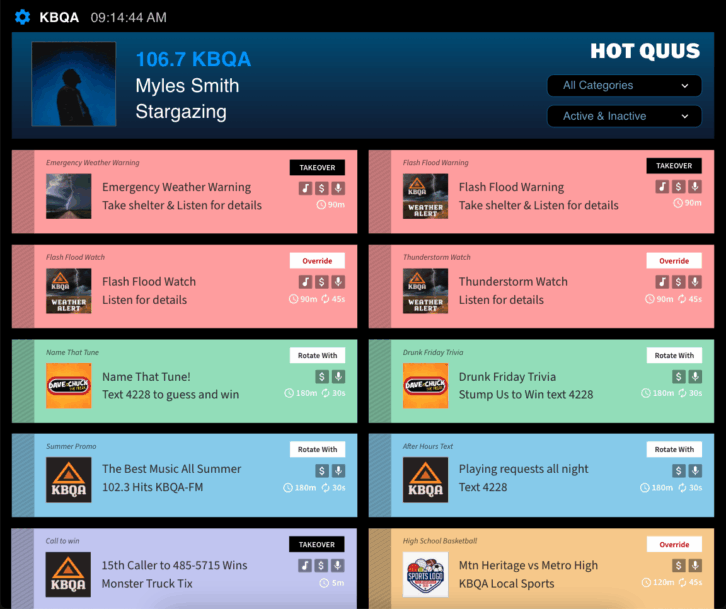
For example, within the “Emergency” category a station can pre-set HotQuus for various weather events such as flash floods, thunderstorms, tornadoes, forest fires or whatever is relevant to the station.
When a weather event occurs, the user can deploy the HotQuus message quickly, from the studio or on the go from a mobile device.
HotQuus are configured for broadcast in three ways.
“Takeover” messages displace all other promotional and sales messaging on Quu. This is useful for safety alerts or for short, high-priority promotions. When a HotQuu is set up to rotate alongside other billboards, the new message is added to the existing rotation.
“Override” HotQuus will displace other billboards that are scheduled to run during this time but won’t override songs or synced advertisements.
If “Rotate With” is selected, the message goes into rotation with currently scheduled billboard messages.
[Find more new gear in Radio World’s Fall Product & Solutions Planner]